
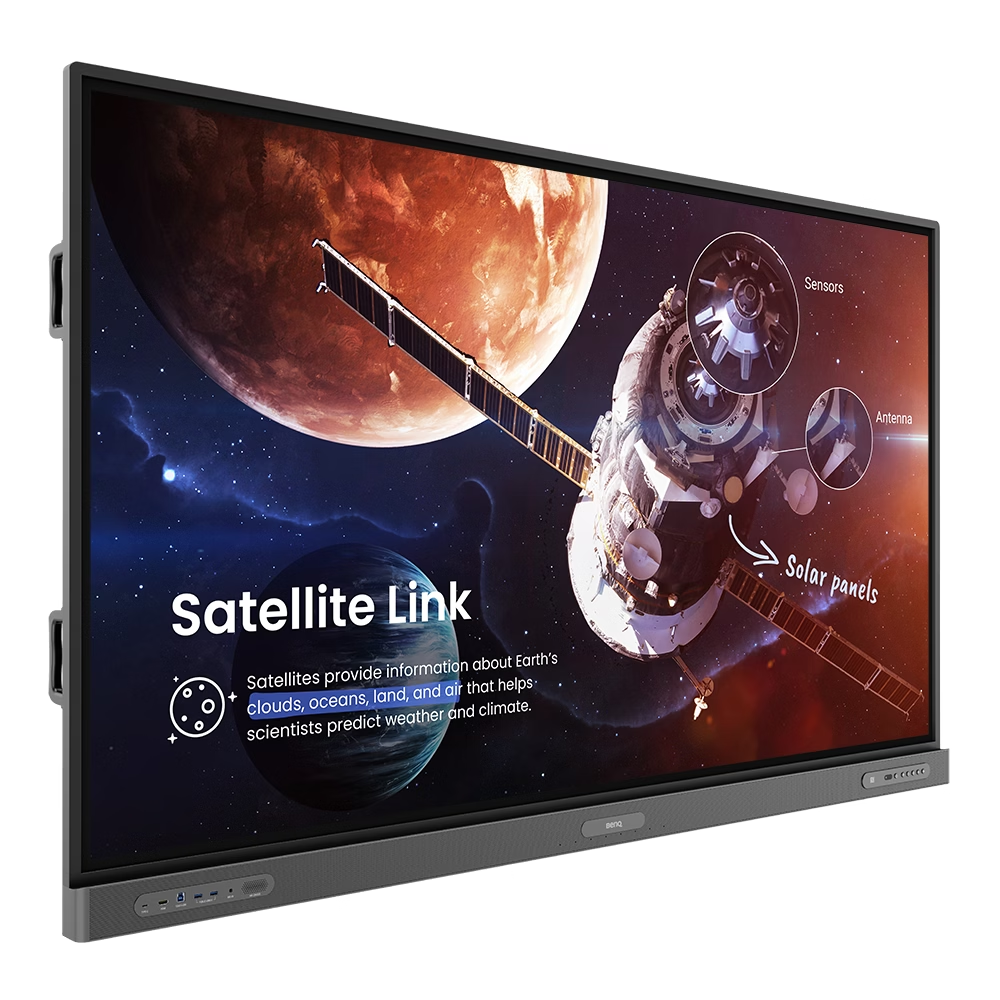
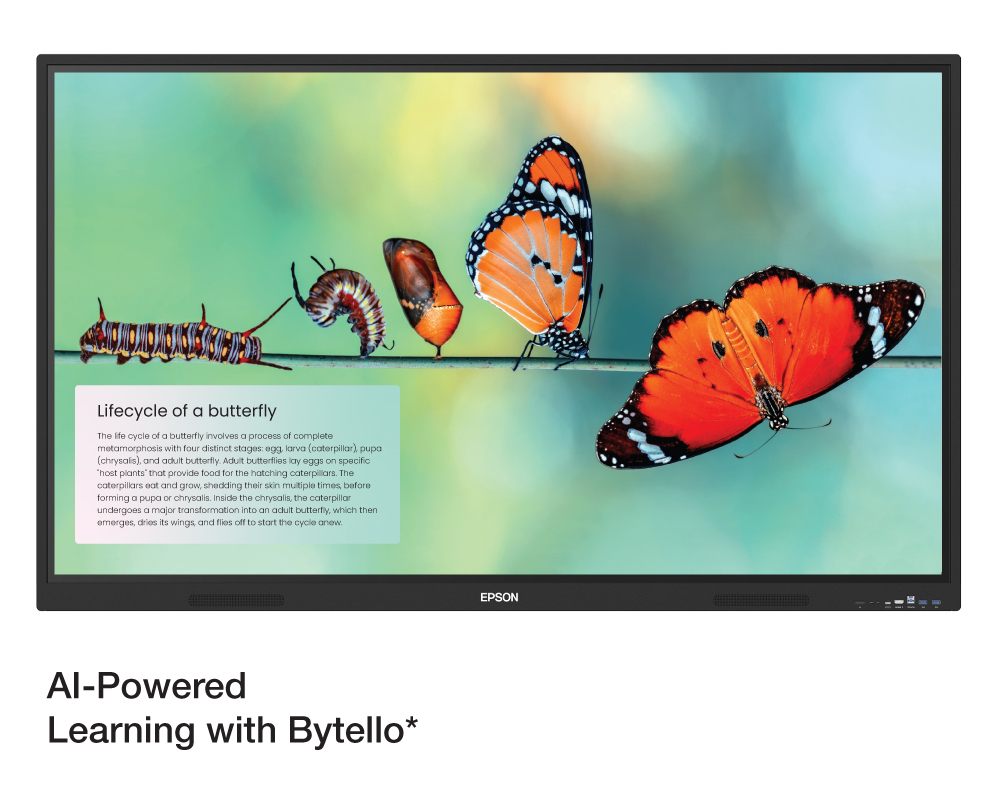
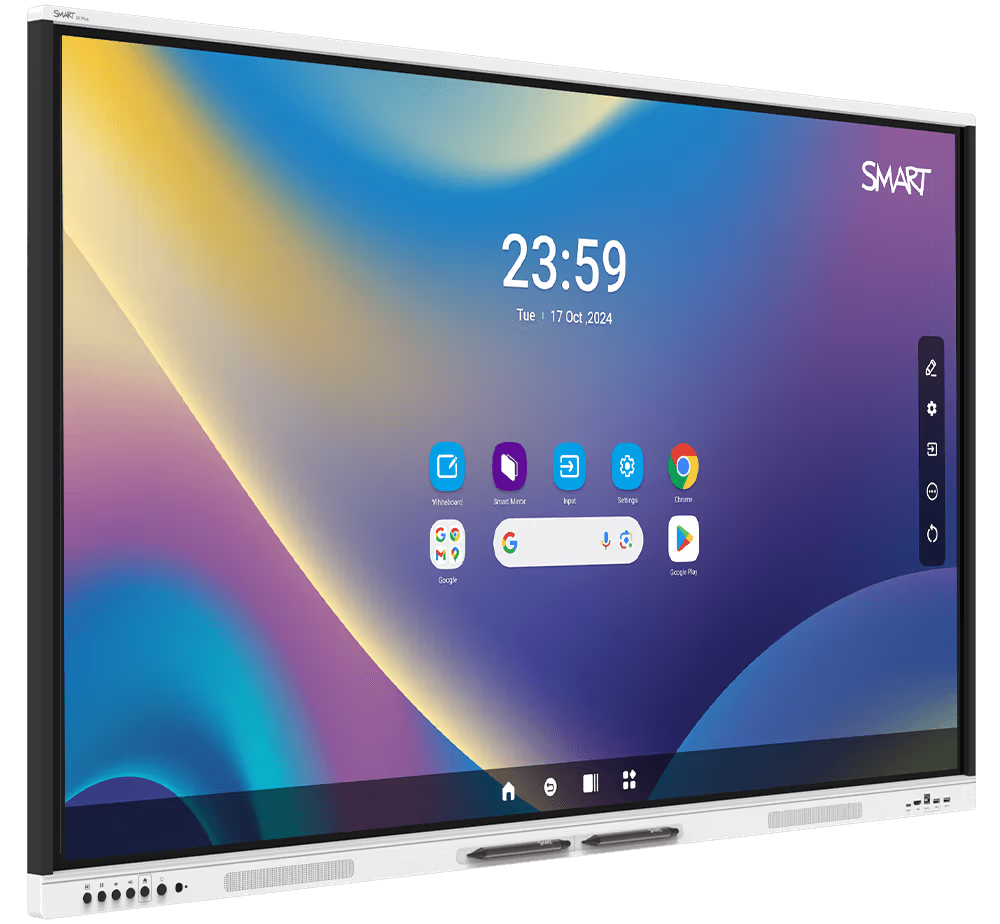
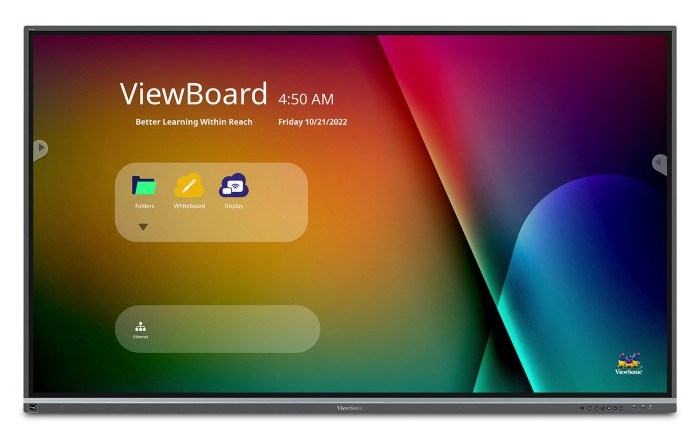




Interactive Flat Panels (IFPs) are premium touch-enabled displays designed for modern meeting rooms, classrooms, and training environments. They enable interactive presentations, annotations, wireless sharing, and collaboration for onsite and remote teams. MachineHubDubai provides professional-grade IFP solutions from the world’s leading manufacturers — designed specifically for corporate, educational, and institutional use.
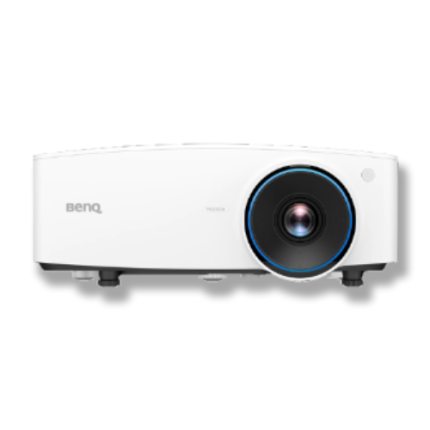
The BenQ LU930 is a professional-grade WUXGA laser projector engineered for corporate meeting rooms, higher education institutions, and professional installation environments. Delivering 5,000 ANSI lumens of brightness, it ensures clear, vibrant presentations even in well-lit spaces.
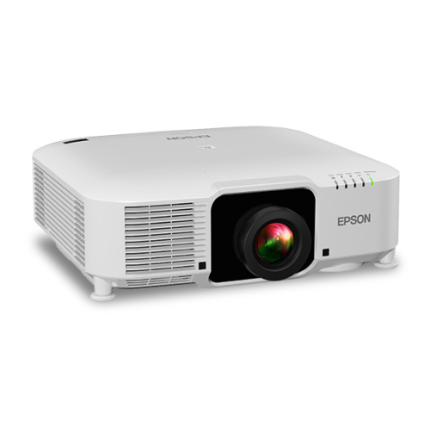
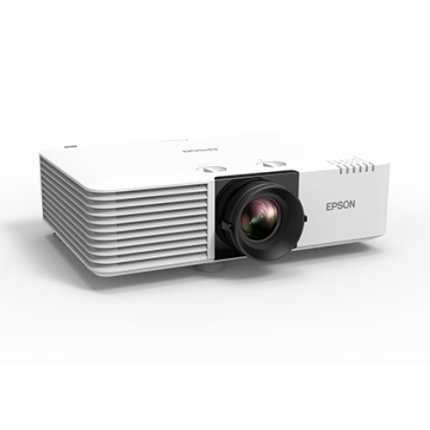
The Epson EB-PU1008W is a high-brightness professional laser projector engineered for large venues, auditoriums, higher education institutions, museums, and corporate environments. Delivering 8,500 lumens of colour and white brightness, this projector ensures outstanding image visibility even in well-lit spaces.
The Epson EB-L730U is a high-performance laser projector engineered for professional environments that demand exceptional brightness, image clarity, and installation flexibility. Delivering 7,000 lumens of both colour and white brightness, this projector ensures vivid, high-impact presentations even in brightly lit conference rooms, lecture halls, and corporate spaces.
Educational institutions often compare interactive flat panels and projectors when selecting classroom display systems. With the advancement of laser projection technology and interactive projection systems, this comparison has evolved significantly.
Both solutions serve important roles, but the right choice depends on classroom size, teaching style, and interaction requirements.
Advantages
Best Suited For
Advantages
Best Suited For
Modern projection systems, such as interactive laser projectors from Epson, can support touch and pen-based interaction.
However, this interaction is enabled through:
Key Consideration
Unlike interactive flat panels, the touch functionality is not built into the display itself. It requires additional setup and calibration.
| Feature | Interactive Flat Panel | Laser Projector |
| Interaction | Built-in touch | Optional (via external system) |
| Screen Size | Fixed | Flexible / scalable |
| Brightness | High | Improved (laser-based) |
| Setup | Simple | Requires installation |
| Maintenance | Low | Moderate (lower than lamp systems) |
| Best Use | Interactive learning | Large-scale display |
Interactive flat panels provide a more seamless and user-friendly experience for everyday classroom interaction.
Laser projectors, including interactive models, are more suitable when larger display sizes are required or when scaling across larger spaces.
The decision is not about choosing one over the other. It is about selecting the right solution based on:
A well-planned environment may include both technologies for different use cases.
Interactive Classroom Display Solutions selection depends on classroom size, interactivity features, software integration, and teaching requirements. Our team can guide you in selecting the right solution.
We work with leading global manufacturers across our solution categories.
 الحلول
 مركز المعرفة
Share a few details about your setup, and our team will recommend a suitable solution before you decide.
Share a few details about your setup, and our team will recommend a suitable solution before you decide.
Share a few details about your setup, and our team will recommend a suitable solution before you decide.