
How to Choose the Best Printer for Your Office
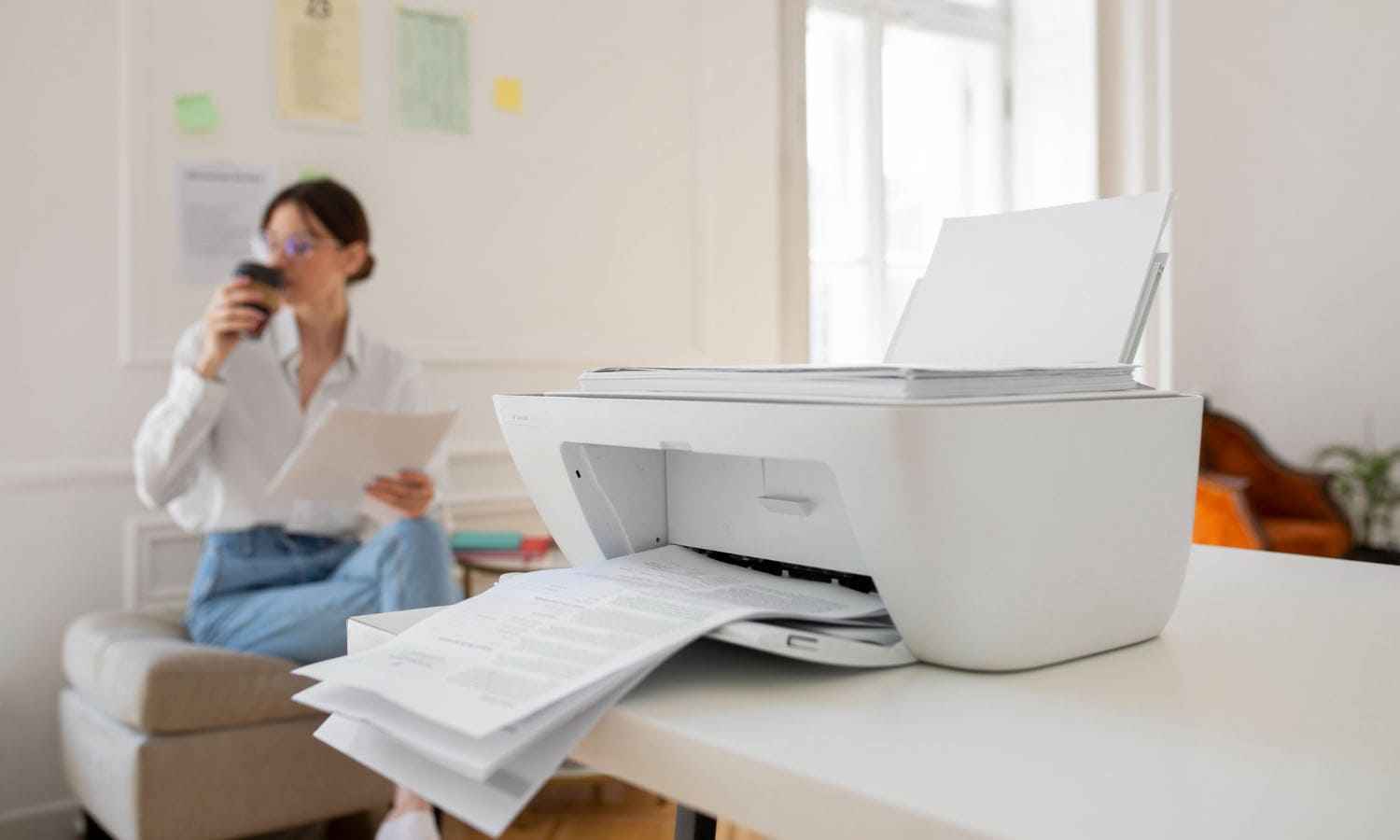

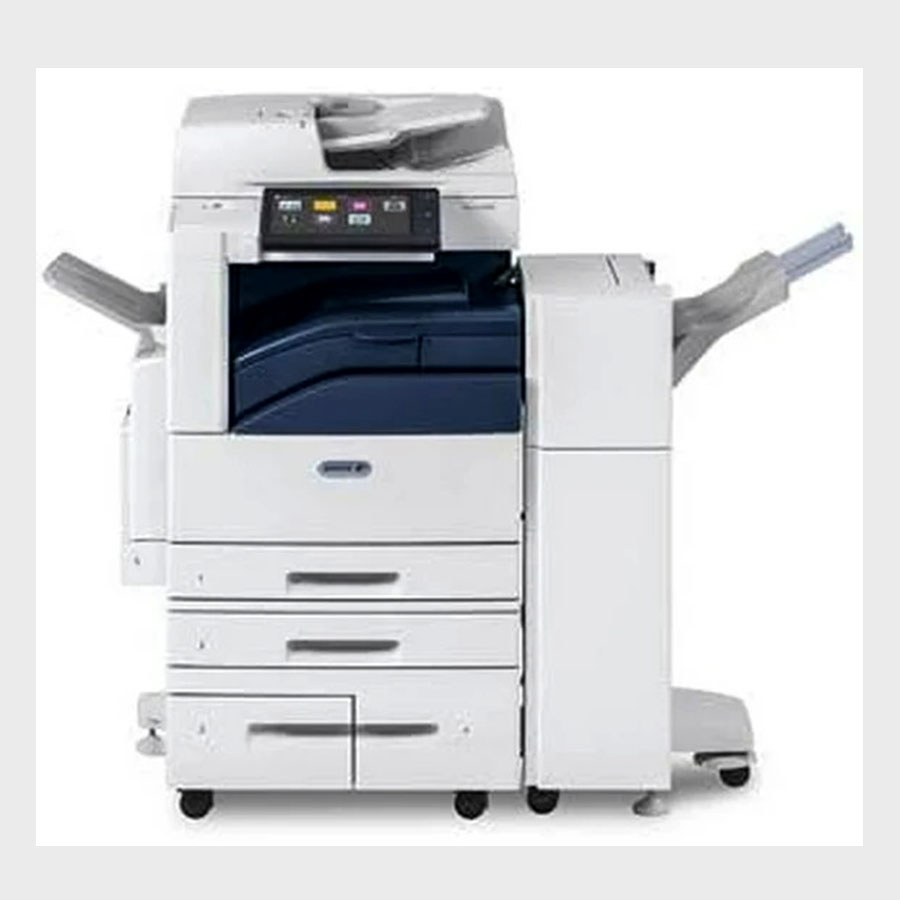
Choosing the right printer is one of the most important decisions for any office—whether you’re running a small startup, a busy corporate environment, or a home office. A reliable printer can improve productivity, reduce costs, and ensure smooth day-to-day operations. But with so many options available, selecting the perfect one can feel overwhelming.
This guide breaks down the key factors you should consider before purchasing an office printer, helping you make a smart and cost-effective decision.
Start by analyzing how your office uses a printer:
Print volume: How many pages per day or month?
Document type: Mostly text, or do you need high-quality images?
Color vs. monochrome: Do employees need to print color documents regularly?
Multi-function needs: Do you require scanning, copying, or faxing?
Understanding these needs will help narrow your options and avoid buying something too basic—or too advanced (and expensive) for your requirements.
Great for high-quality images and color prints
Lower upfront cost
Ideal for small offices or low-volume printing
Faster printing speeds
Lower cost per page
Ideal for high-volume printing environments
Best for text-heavy documents
If your office prints large quantities every day, a laser printer is usually the most cost-effective choice.
PPM (Pages Per Minute) indicates how fast the printer can produce documents.
Small offices: 20–30 PPM is sufficient
Medium to large offices: 40+ PPM recommended
A printer that’s too slow can cause bottlenecks—especially in collaborative workspaces.
DPI (Dots Per Inch) determines how sharp and detailed your prints look.
For text documents: 600 DPI is usually enough
For high-quality images or presentations: 1200 DPI or higher
If your office works in design, marketing, or architecture, investing in higher DPI is essential.
Modern offices rely on seamless connectivity. Useful features include:
Wi-Fi and Ethernet support
Mobile printing (AirPrint, Google Cloud Print)
USB and network sharing
Cloud integration (Dropbox, Google Drive)
These features make printing more flexible and efficient for teams.
Don’t just consider the initial purchase price. Look at:
Cost of ink/toner
Page yield
Maintenance requirements
Availability of replacement parts
A printer with a slightly higher upfront cost may actually save money in the long run.
If your office regularly needs scanning, photocopying, or faxing, a Multi-Function Printer (MFP) is a smart choice. These all-in-one printers save space and reduce the need for multiple devices.
Explore our complete range of high-performance printers and office essentials designed to keep your workspace running smoothly.
Visit our Soluciones de oficina category and find the perfect printer for your office today!
 Soluciones
 Centro de conocimiento